
In 2026, digital data is no longer limited to documents and photos. People now manage AI-generated content, high-resolution videos, cloud applications, smart device backups, and remote work files every single day. From individuals storing personal memories to companies handling operational databases, data has become one of the most valuable digital assets. Global data creation continues to grow at an unprecedented pace as artificial intelligence tools, automation platforms, remote collaboration systems, and connected devices generate massive amounts of information. Because of this rapid expansion, choosing the right cloud storage and local storage solution is no longer just a technical choice, it is a long-term digital strategy.
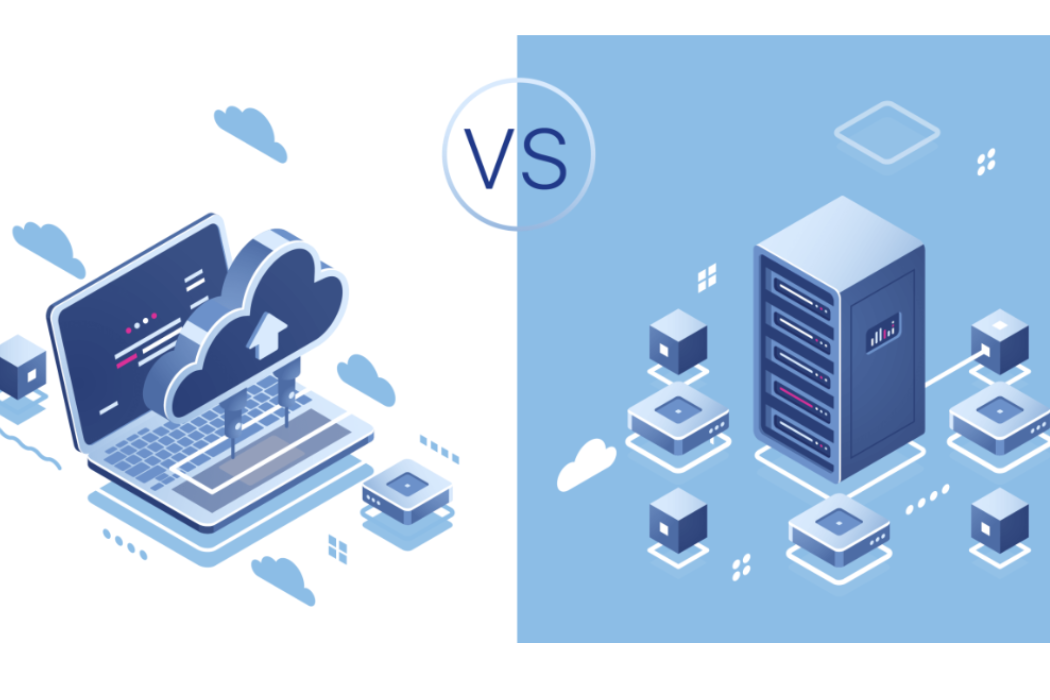
Most users today evaluate two major storage approaches: cloud storage and local storage. Cloud storage focuses on accessibility and flexibility through internet-based systems, while local storage emphasizes ownership, performance, and physical control. Understanding how these solutions work in today’s AI-driven environment helps users protect data while maintaining efficiency and scalability.
This guide explains the differences between cloud storage and local storage in 2026 and helps you decide which solution best supports your workflow.
Understanding Cloud Storage in 2026
What is Cloud Storage?
Cloud storage allows users to save files on remote servers managed by technology providers instead of storing data directly on personal devices. Files are uploaded through the internet and synchronized automatically across smartphones, computers, tablets, and even smart workspaces.
In 2026, cloud storage has evolved beyond simple file hosting. Modern platforms integrate artificial intelligence for automatic organization, smart search capabilities, predictive backups, and seamless collaboration across global teams. Businesses increasingly operate within cloud ecosystems where documents, communication tools, and applications function together in one connected environment.
Key Features of Cloud Storage
Universal Accessibility Across Devices
Cloud storage enables users to access data from anywhere in the world. Whether working remotely, traveling internationally, or switching devices, files remain continuously available through secure login systems.
AI-Powered File Management
Modern cloud platforms now use AI algorithms to categorize files, suggest folders, detect duplicates, and improve search results. Users spend less time organizing data manually and more time focusing on productive tasks.
Flexible and Instant Scalability
As data needs grow, storage capacity can be expanded instantly without installing new hardware. This flexibility supports startups, creators, and enterprises experiencing rapid digital growth.
Automatic Backup and Disaster Recovery
Cloud services automatically create backups and maintain file version history. Even accidental deletions, ransomware incidents, or device failures rarely result in permanent data loss.
Collaboration and Real-Time Workflows
Cloud storage integrates directly with productivity software, enabling teams to edit documents simultaneously, share feedback instantly, and maintain synchronized workflows across locations.
Zero Hardware Maintenance
Service providers manage server infrastructure, software updates, cybersecurity patches, and system monitoring. Users avoid technical maintenance responsibilities entirely.
Real-World Cloud Storage Use Cases
Cloud storage has become essential for modern digital lifestyles.
- Remote employees access business files securely from home offices or coworking spaces.
- Digital agencies collaborate across countries without exchanging physical files.
- Students and professionals synchronize study materials, notes, and presentations across multiple devices.
- Content creators safely store projects while maintaining access from editing systems and mobile devices.
Cloud storage supports mobility, collaboration, and automation—the defining characteristics of work in 2026.
Understanding Local Storage in 2026
What is Local Storage?
Local storage refers to saving data directly on physical devices owned by the user. These devices include internal drives, external hard drives, solid-state drives (SSDs), USB storage devices, and advanced Network Attached Storage (NAS) systems installed at home or within offices.
Even as cloud technology expands, local storage remains relevant because it offers complete control over data and eliminates dependence on internet connectivity.
Key Features of Local Storage
Full Ownership and Privacy Control
Users maintain direct control over where their data exists. Files are not stored on third-party servers, which appeals to professionals managing confidential or regulated information.
Reliable Offline Accessibility
Local storage allows uninterrupted access even during internet outages. This capability remains valuable for remote regions, field operations, and secure offline environments.
High-Speed Data Performance
Modern NVMe SSDs and advanced storage systems deliver extremely fast transfer speeds. Large video projects, AI datasets, gaming files, and software builds load significantly faster compared to cloud downloads.
Long-Term Cost Efficiency
Although hardware requires an upfront investment, local storage eliminates recurring subscription costs. For users managing large data volumes over several years, this approach can reduce expenses.
Real-World Local Storage Use Cases
Local storage continues to play a critical role in performance-focused environments.
- Video editors and designers process massive files locally to avoid upload delays.
- Legal and financial organizations store sensitive client records under strict internal control.
- Researchers and engineers operate in environments where internet access is limited or restricted.
- Gamers and developers rely on high-speed drives for performance-intensive applications.
Local storage remains essential when speed, privacy, and independence are priorities.
Cloud Storage vs Local Storage :- Key Differences in 2026
Accessibility and Mobility
Cloud storage enables global access through secure internet connections, supporting hybrid work and distributed teams. Local storage, while dependable, restricts access unless remote configurations are manually established.
Cost Model and Investment Strategy
Cloud storage spreads expenses through monthly or annual subscriptions, allowing predictable budgeting and easy upgrades. Local storage requires upfront hardware purchases but reduces recurring costs over time.
Security and Privacy Considerations
Cloud platforms implement advanced encryption, identity verification, and continuous monitoring systems. However, data still resides on third-party infrastructure.
Local storage offers stronger physical control, yet users must manage backups, encryption, and protection against theft or hardware failure independently.
Scalability and Data Growth
Cloud storage adapts instantly to growing data requirements. Local storage expansion requires purchasing additional devices and managing physical capacity planning.
Speed and Workflow Performance
Internet speed directly affects cloud performance, especially when handling large files. Local storage delivers consistent high-speed performance without network limitations.
Reliability and Risk Management
Cloud providers maintain distributed data centers designed to minimize downtime and data loss. Local storage reliability depends on hardware condition and backup practices.
Important Factors to Consider Before Choosing Storage
Choosing the right storage solution in 2026 requires evaluating real usage patterns rather than following trends.
- Users frequently working across devices benefit from cloud accessibility.
- Privacy-sensitive industries may require local storage control.
- Rapidly growing businesses need scalable cloud infrastructure.
- High-performance creative workflows demand local storage speed.
- Internet reliability plays a major role in long-term efficiency.
- Budget planning should consider both immediate and future costs.
A balanced evaluation ensures storage aligns with workflow requirements instead of temporary convenience.
Who Should Choose Cloud Storage in 2026?
Cloud storage works best for users operating in connected digital ecosystems.
- Remote professionals collaborating globally.
- Startups using SaaS platforms and cloud-based workflows.
- Students and casual users seeking simple file management.
- Small businesses avoiding complex IT infrastructure.
- Teams relying on shared documents and real-time communication tools.
Cloud storage supports flexibility, automation, and collaboration—the core drivers of modern productivity.
Who Should Choose Local Storage in 2026?
Local storage remains valuable for specialized needs.
- Privacy-focused professionals managing confidential data.
- Creators handling large multimedia or AI training files.
- Offline or low-connectivity environments requiring constant access.
- Users aiming to avoid long-term subscription commitments.
- Performance-driven workflows where speed is critical.
Local storage offers independence and efficiency when internet reliance becomes a limitation.
Hybrid Storage Approach :- The Smart Strategy for Modern Users
In 2026, the most effective solution is often a hybrid storage model. This approach combines local storage for daily operations with cloud storage for backup, synchronization, and remote accessibility.
Users edit files locally for maximum performance while maintaining secure cloud copies for disaster recovery. Businesses increasingly adopt hybrid strategies because they balance control, flexibility, and resilience.
Hybrid storage reflects how modern work operates across both physical devices and cloud ecosystems simultaneously.
Quick Decision Guide :- Choosing the Right Storage
Understanding your daily workflow simplifies decision-making.
- Students and everyday users benefit from cloud-first storage.
- Businesses achieve efficiency using hybrid models.
- Content creators combine local performance with cloud backup protection.
- Remote workers rely heavily on cloud accessibility.
- Privacy-sensitive workflows favor local storage solutions.
Matching storage type with real usage patterns produces the best long-term results.
Read This :- AI-Powered Vibe Coding: Software Development for Non-Coders
Future of Data Storage Beyond 2026
The future of storage continues evolving alongside artificial intelligence and automation. AI-generated media, immersive virtual environments, and connected devices will dramatically increase data volumes in the coming years.
Cloud infrastructure will expand globally, offering faster synchronization and stronger cybersecurity protections. At the same time, local storage technology will continue improving speed and capacity, ensuring performance-driven users retain powerful offline solutions.
Data storage is becoming a strategic foundation for digital life rather than a simple technical tool.
Final Verdict :- Cloud Storage vs Local Storage in 2026
For most individuals and organizations in 2026, cloud storage stands out as the most flexible and future-ready solution. Its accessibility, automated protection, and seamless scalability align perfectly with remote work, AI-powered workflows, and multi-device ecosystems.
Local storage still plays an essential supporting role, especially where privacy, performance, or offline accessibility are critical. However, relying exclusively on physical storage may limit flexibility in an increasingly connected world.
The strongest long-term strategy combines both approaches. A hybrid storage setup ensures speed, security, accessibility, and resilience, allowing users to manage data confidently as digital demands continue to grow.